UX Case Study · Fintech Superapp · Web + Mobile + USSD
Africa's most recognisable payment platform — rebuilt from scratch as a superapp. I joined the team mid-research, contributed to the design sprints and usability testing that defined the product direction, then owned 11 modules and collaborated on 10+ more across web, mobile, and USSD.
01 — Context
Quickteller grew from a basic payment utility into something far more complex — but its design and infrastructure didn't grow with it. Features had to exist as separate apps because they couldn't fit the original architecture. Products lived on web but not mobile, or vice versa. The product was fragmented, and so was the experience.
The decision to rebuild from scratch was greenlit after years of accumulated technical and design debt made incremental fixes untenable. Before a single screen was designed, the team had to answer a foundational question: What form should the new Quickteller take?
02 — Research
I joined the project during the research phase, contributing to the design sprints that gave the concepts form and the usability testing and reporting that validated the direction. The research ran across three structured phases before a single production screen was designed.
03 — My Role in Execution
I joined Quickteller as a Product Designer, contributing to the tail end of research and stepping into module ownership as the execution phase began. As the work grew in scope and complexity — and as my ownership expanded from individual flows to cross-cutting quality responsibilities — I was promoted to Senior Product Designer during the project. The progression wasn't incidental; it was earned through the breadth of what this project demanded.
With the superapp direction confirmed, a 6-person design team was structured around ownership. I was the module lead for 11 flows — responsible for research, design, testing, and delivery end-to-end within each. Across the wider product, I also collaborated as a contributor on 10+ additional modules, embedded in cross-functional work with engineering, product, and business stakeholders.
Beyond design output, I ran user testing on both owned and collaborated modules, and conducted repeated design audits of implemented features — documenting findings and recommendations for engineering teams, the business, and senior stakeholders.
04 — Account Verification / KYC
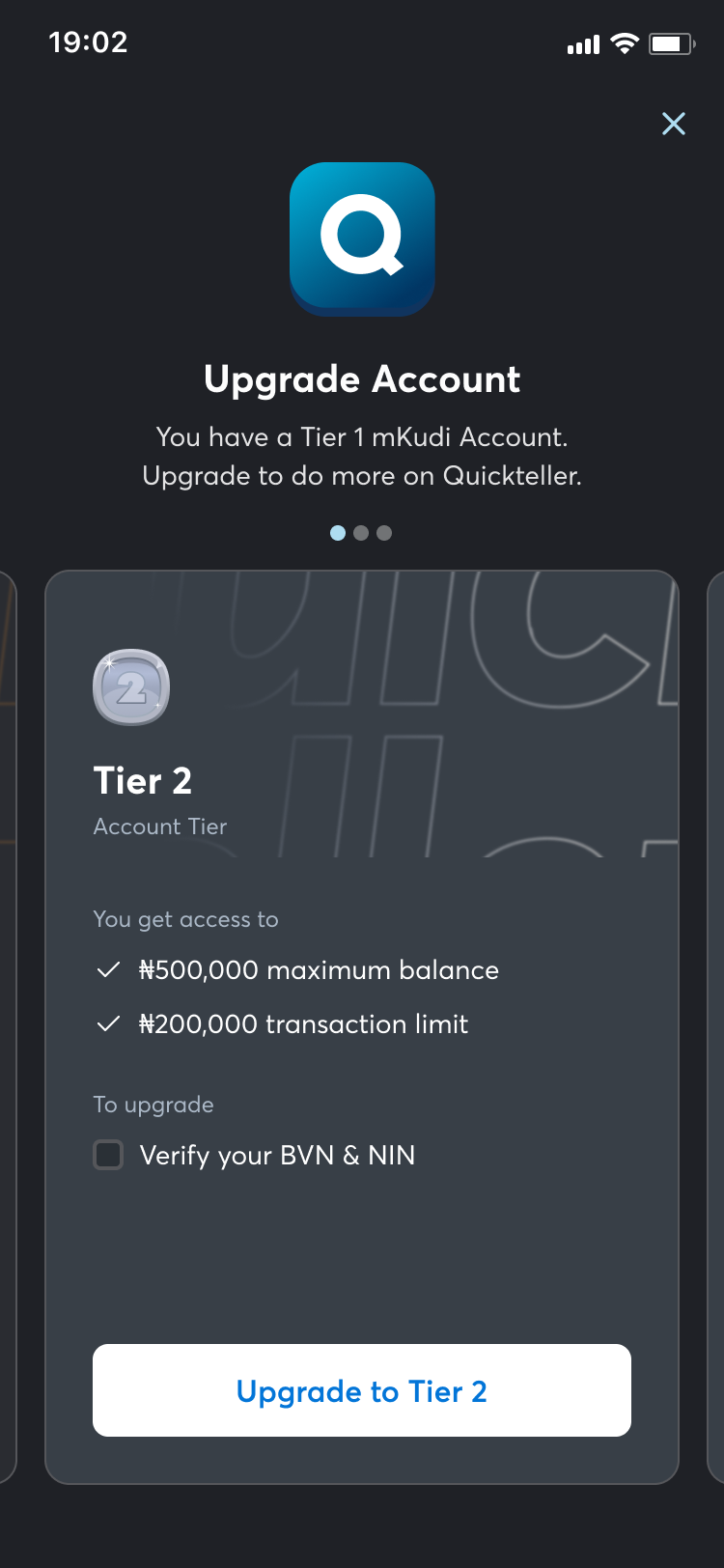
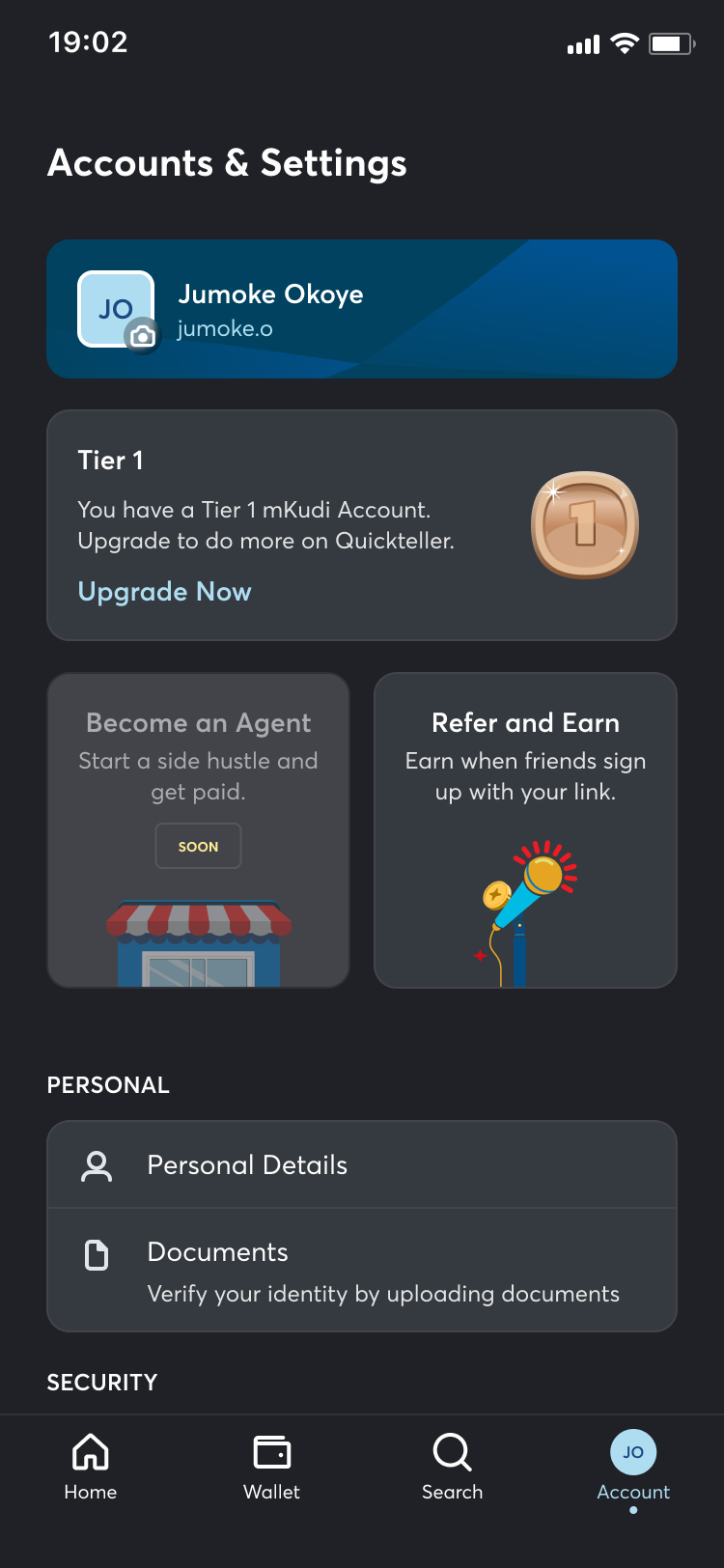
KYC gates access to higher-value capabilities — but most platforms implement this as a surprise wall: users discover the restriction mid-flow, often after they've already committed to an action. That friction destroys trust and causes abandonment at exactly the wrong moment.
The design approach inverted this. Pre-communicated tier requirements meant users always knew what they'd need to unlock before they started. A progressive checklist showed the full verification journey upfront — not as a compliance form, but as a capability unlock. Each completed step revealed what it enabled, making the process feel like advancement rather than interrogation.
Clear "why this matters" framing at each step reduced drop-offs caused by distrust. Users who understand why a document is needed are far more likely to provide it than users who feel surveilled. And meaningful feedback at every step — not just success/error states, but contextual guidance — meant no one was left confused about what to do next or why something failed.
05 — Recurring Payments
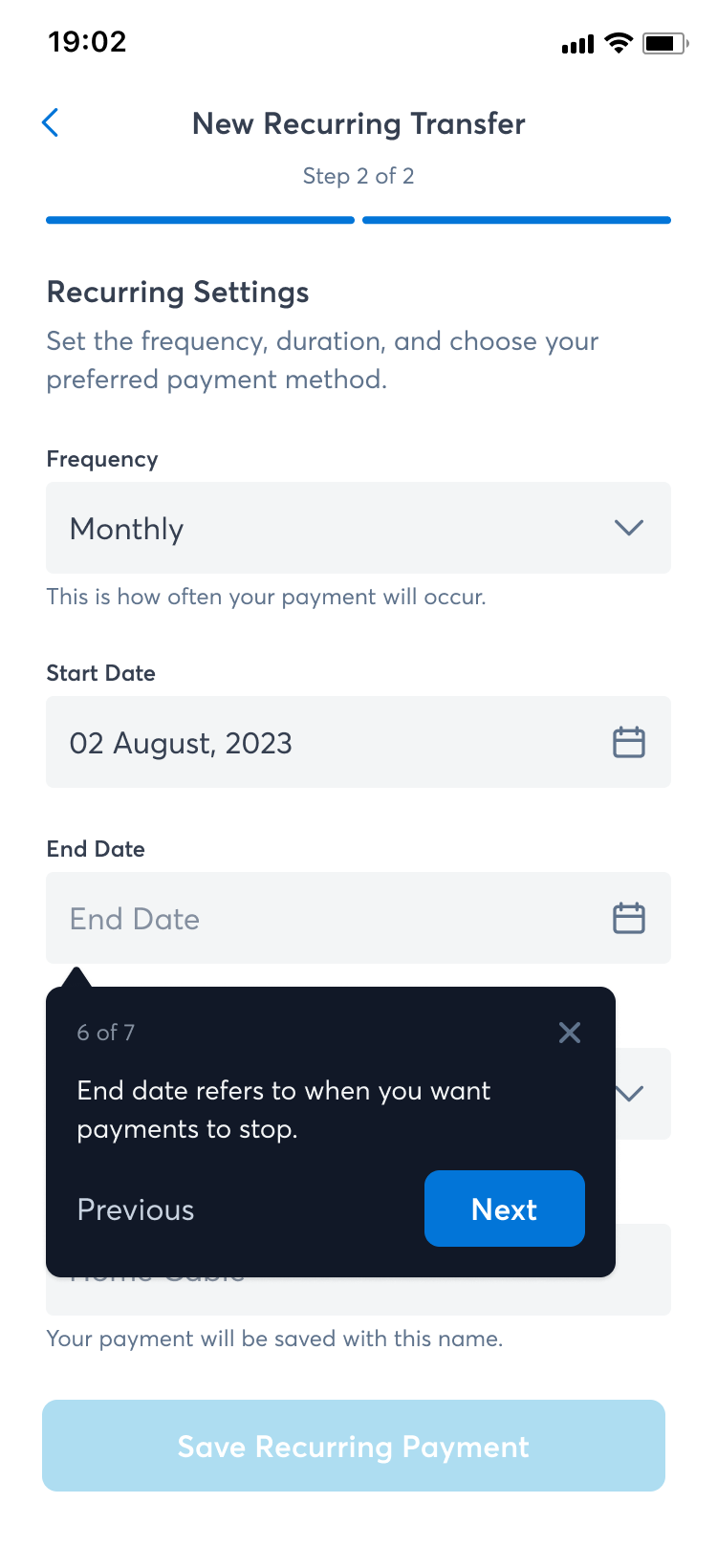
Recurring payments carry a unique anxiety: users are giving the platform permission to take money from them automatically — often long after the initial setup. The design challenge was building a setup flow that felt authoritative enough to deserve that trust, and a management interface that made it easy to stay in control after the fact.
The setup flow surfaces all the key parameters — amount, frequency, start date, end condition — in a clear sequence with full review before confirmation. No ambiguous "and it will keep going" language — every recurring instruction is explicit about when it starts, what it costs, and how to stop it. The management view shows all active and paused schedules with one-tap pause, edit, and cancel actions. Users should never have to hunt for the off switch.
06 — Split Payment
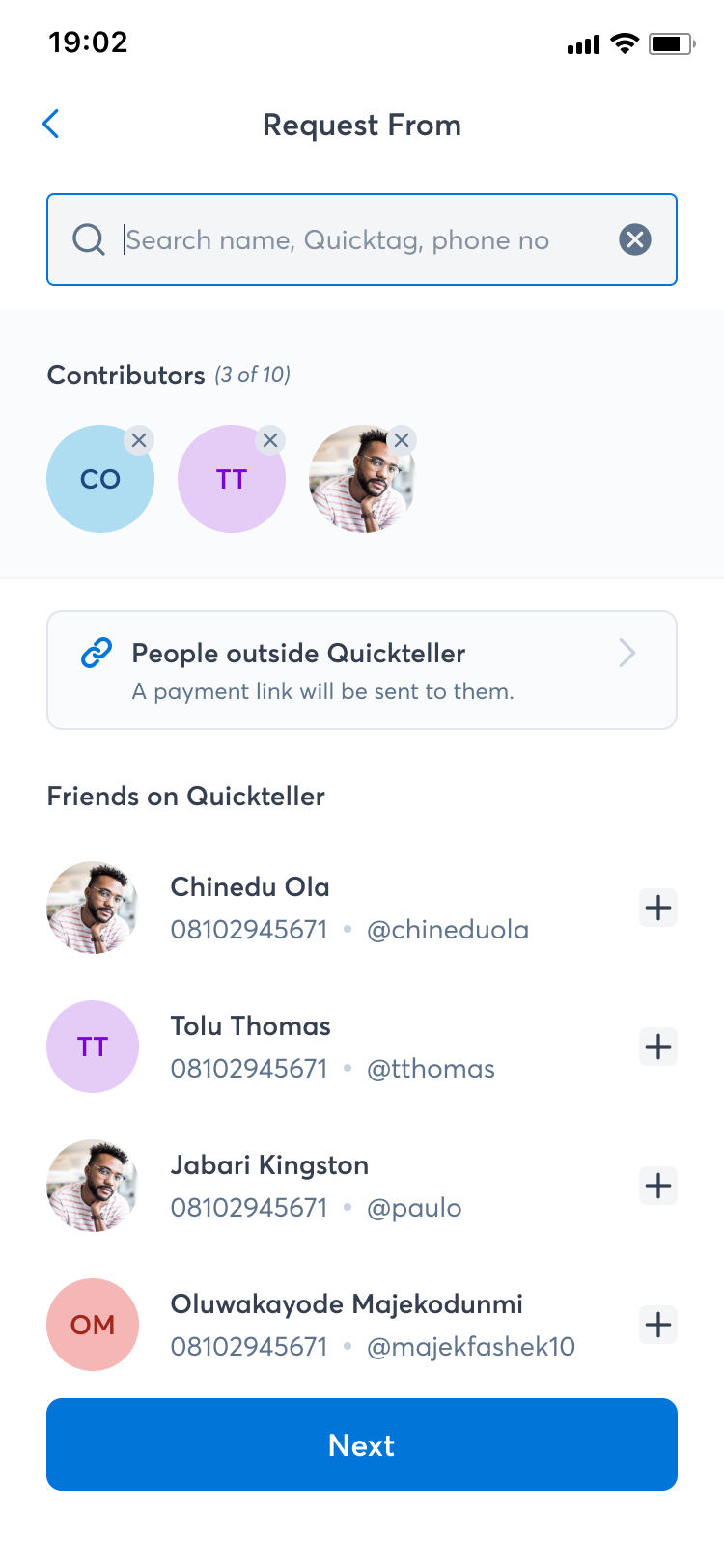
Split payments involve multiple parties, multiple amounts, and often — some social awkwardness. The design had to handle the arithmetic invisibly while surfacing the right information to the person initiating the split and the people receiving the request.
The flow supports equal splits (divide automatically) and custom splits (assign specific amounts per person). Real-time running totals prevent over-allocation without requiring mental arithmetic. Participant selection draws from the user's existing contacts and beneficiaries — minimising re-entry friction. Each participant receives a clear, actionable notification with the amount owed and a direct payment path. The initiator gets a live status view of who's paid and who hasn't.
07 — Beneficiary Management
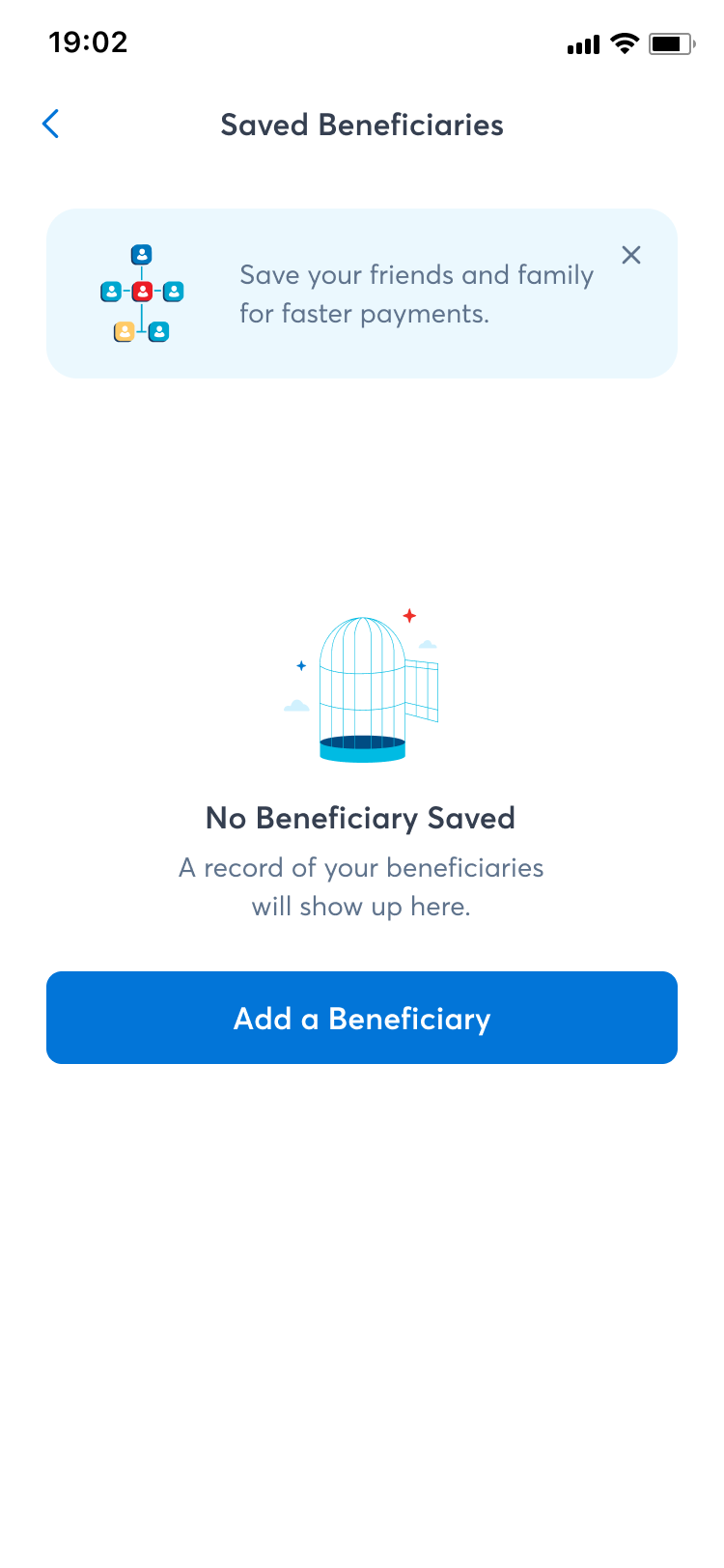
Beneficiary management is infrastructure — it sits beneath every transfer, split, and recurring payment flow. If it's slow, confusing, or untrustworthy, every dependent flow suffers. The design prioritised speed and confidence above all else.
Quick-add from transaction history means users never have to manually re-enter someone they've paid before. Inline verification at the point of adding a beneficiary confirms bank details before they're saved — preventing failed transactions downstream. Beneficiaries are organised by frequency of use, with search and filtering for larger lists. Edit and remove actions are accessible but not prominent — they exist, but they don't compete with the primary action of selecting a recipient.
08 — USSD Flows
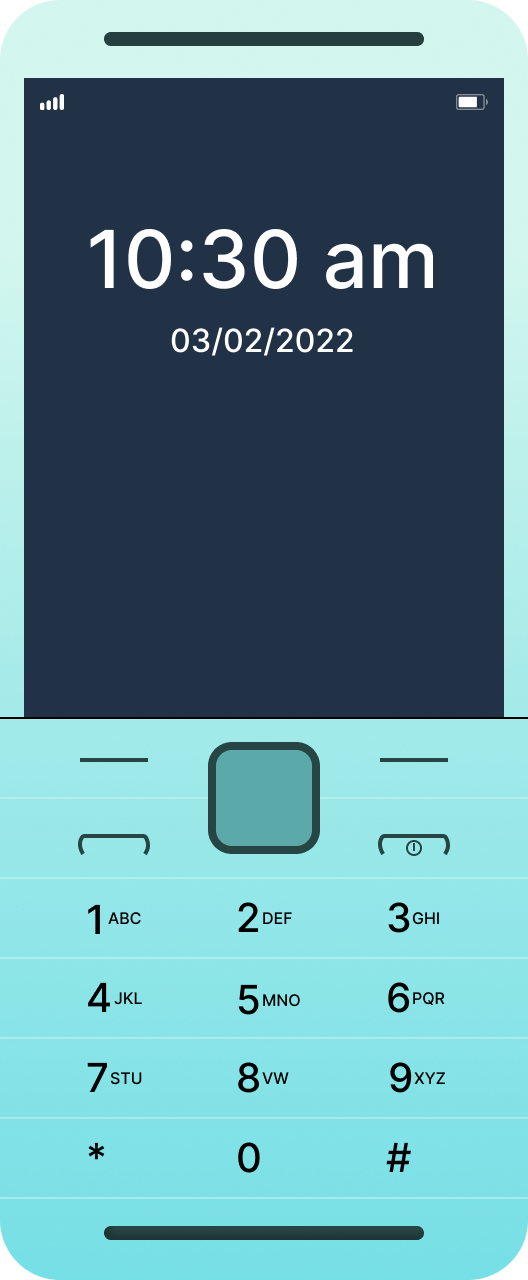
USSD is the most constrained design medium there is: no graphics, no back button, no persistent state, no error recovery UI — just numbered menus on a basic phone. For millions of users without smartphones or reliable data connections, it's the only interface that exists. Designing for USSD is an exercise in radical prioritisation.
Every menu was structured around the most common action first. Menu depth was capped at three levels — USSD sessions timeout, and every additional tap is a drop-off risk. Confirmation screens before any financial action protect users from fat-finger mistakes with no undo. Balance checks were accessible within two inputs from the root menu. Airtime and data top-up flows were streamlined to the minimum necessary steps — amount, confirm, done. The discipline of USSD design fed directly back into how we thought about efficiency in the mobile flows too.
09 — Agent Dashboard
Quickteller agents are operators — not casual users. They process payments on behalf of customers, often in high-volume, time-pressured environments. The agent dashboard needed to prioritise speed and accuracy above everything else, with an interface that felt more like a professional tool than a consumer app.
The dashboard surfaces transaction initiation front-and-centre — not buried behind a navigation menu. Recent transactions are visible immediately for reference and reconciliation. Commission tracking gives agents real-time visibility of their earnings without requiring a separate report. Clear transaction status indicators (processing, completed, failed) mean agents never have to guess whether a transaction went through before telling a customer. Error states were designed with specific recovery paths — because a failed transaction at a physical agent point is a customer standing in front of you.
Designed for operators
10 — Biometric Login
For a financial superapp used multiple times a day, authentication friction compounds. Every extra second at the login screen is a reason to use a less secure shortcut — or not open the app at all. Biometric login had to be the fastest, most trustworthy path to the app, with a fallback that didn't punish users when biometrics failed.
The opt-in setup flow is framed around convenience, not security theatre — users are told what biometrics enables (faster access) rather than what it prevents. The authentication screen triggers the biometric prompt immediately on open, with PIN fallback one tap away. Clear failure states distinguish between a biometric mismatch and a device capability issue — users aren't left wondering if something is wrong with their account or their phone.
11 — Additional Owned Modules
Beyond the six flows above, I owned the end-to-end design of four additional modules — each with distinct UX challenges and user contexts.
12 — Dashboard Collaboration
I was an active collaborator on the Dashboard — not the sole designer, but a meaningful contributor to the information hierarchy decisions that shaped it. For a superapp with this many services, the risk is paralysis: too many entry points, no clear primary action, and users who never discover the features beyond the ones they already know.
The dashboard was structured around three deliberate layers, each earning its position based on frequency and urgency of use:
Layer 1 — Financial Overview: Account balance and recent activity. This is what users come for first — the answer to "what is my money doing right now." It had to be visible without scrolling and scannable in under two seconds.
Layer 2 — Quick Actions: Send, Pay, Top-up. The three most common transactional actions, permanently accessible from the home screen. Not buried in a menu, not requiring navigation — present and tappable.
Layer 3 — Service Discovery: Insurance, Loans, Travel, and the rest of the superapp ecosystem. Surfaced below the fold — important enough to be discoverable, but not competing with the core financial use case. The goal was ambient awareness, not aggressive promotion.
Three deliberate layers
13 — Full Collaboration Scope
Across the Quickteller rebirth, I was an embedded contributor on the following modules — working alongside their module leads, contributing to design reviews, user testing, and iterations.
14 — Design Audits
Design doesn't end at handoff. Across the Quickteller project I conducted repeated audits of implemented features — comparing what shipped against what was designed, documenting deviations, and translating findings into clear recommendations for engineering teams, the business, and senior stakeholders.
15 — Scale & Impact
"Rebuilding Quickteller wasn't just a redesign — it was a rethinking. The research told us what to build. The design work was about proving we could build it well — at superapp scale, across every surface, for every kind of user."